
For system integrators
Spend less time driving to site and more time on billable work.
One platform for the whole job: find what is on site before you mobilise, map it in hours, reach it securely for the life of the contract.
What changes on the job
Discover before you mobilise
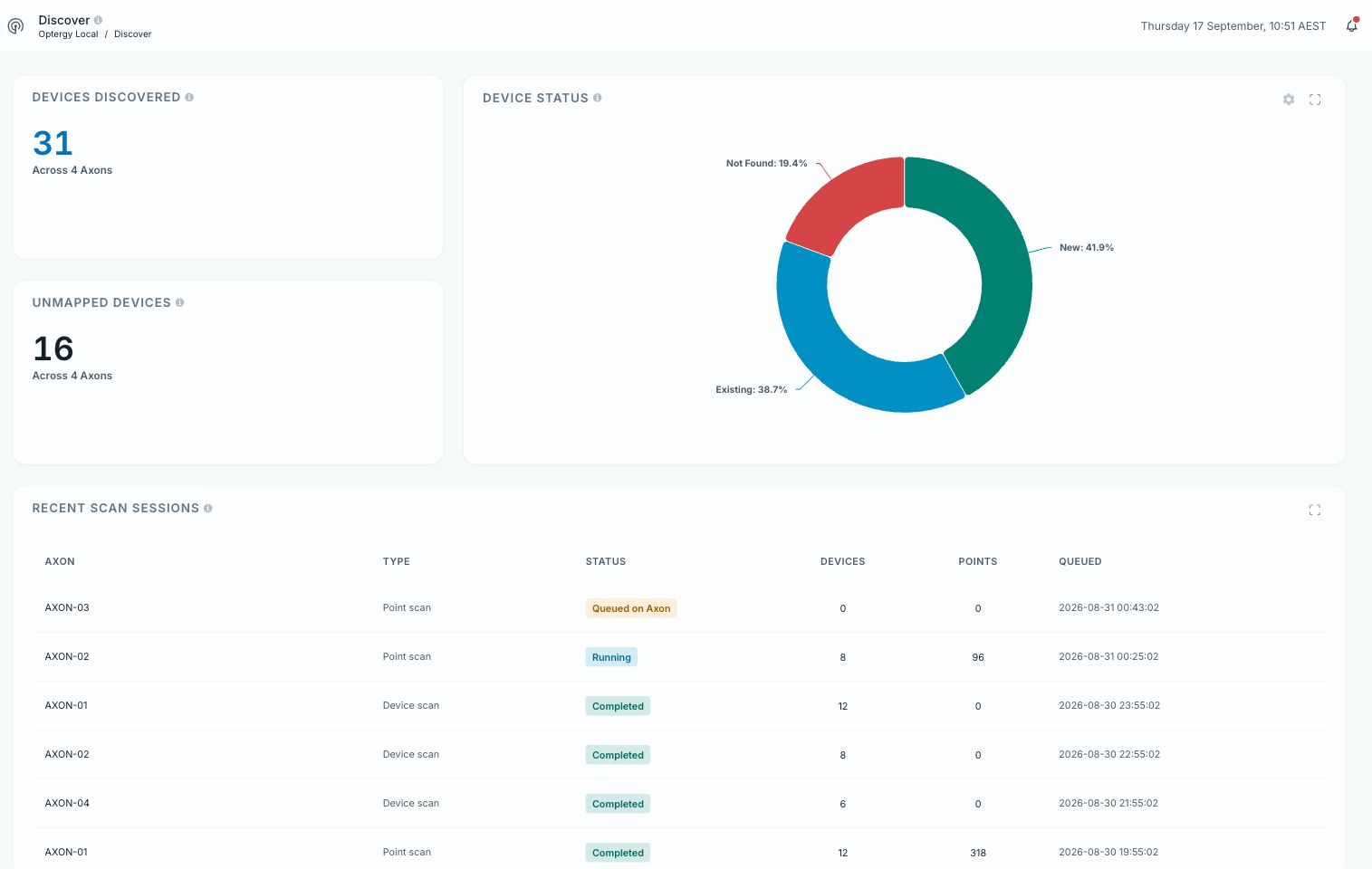
Scan, find and read points remotely before anyone drives to site.
Mapping in hours, not days
Confirm suggestions instead of typing point lists.
Every way to connect, one login
Three connection methods through one identity and one audit trail.
- Site Connect for controller and head-end web pages.
- Remote Connect for RDP, SSH and VNC in the browser, with file transfer.
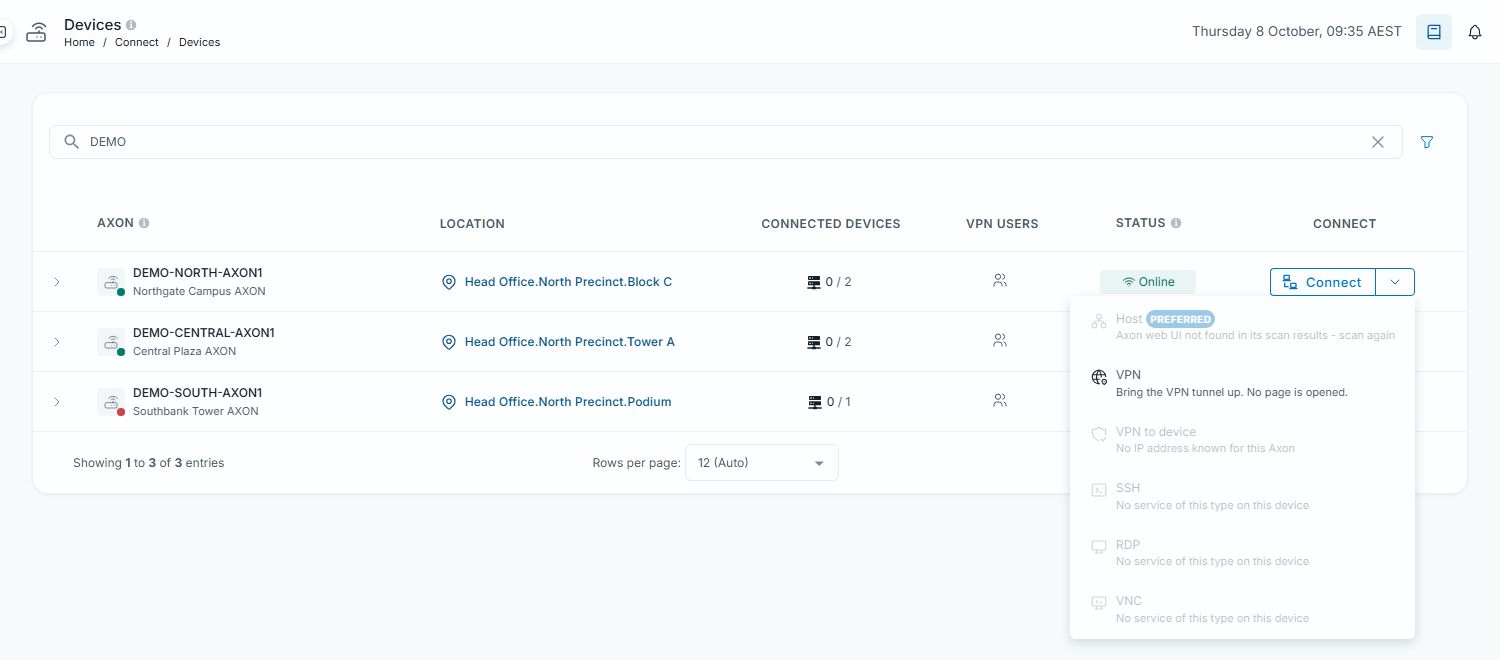
- Secure Connect when you need to be on the network: run your engineering tools, commission controllers, download programs and deploy code exactly as if you were plugged in on site.
- No VPN client per customer, no customer IT tickets, no shared passwords.
Fewer callouts
Diagnose remotely. Trend history and overrides in one place answer "when did this start and what changed?".
Faster handover
Dashboards and documentation built from mapped data.
Your team, your permissions
Give each engineer access to exactly the sites and features they need, and revoke it in one click when they leave.
One site, start to finish
Watch one building come online.
01 · Discover
Scan the site before anyone drives to it.
The Axon finds every IP, BACnet and Modbus device and reads its points. You start and watch the scan from NovaQ.
02 · Map
Raw names become standard equipment.
Rules suggest a mapping for every point, with a confidence score. Engineers confirm instead of typing.
03 · Connect
One secure path out.
The Axon connects out to NovaQ over an encrypted link. No open ports and no agent on a customer PC.
04 · Operate
Hand over a building that runs.
Dashboards, incidents and work orders, all from the same mapped points. Or ask an AI assistant over MCP.
Access and data
Microsegmentation by role
Each person reaches only the buildings and tools their job needs.
The Axon gives each site one controlled path to NovaQ. Inside that path, every person gets only what their role allows: which buildings they see, how they may connect, and for how long. Device and port limits are set on each Axon by the people who run the site.
Open data
Send the data wherever you already keep it.
NovaQ does not have to be where your data ends up. Send building data to the analytics platform you already run, over open protocols.
MQTT and REST out
Publish point data to your own platform over MQTT, or deliver it by REST.
Straight from the Axon
Data travels from the Axon to the endpoints you configure. NovaQ handles configuration and updates.
Encrypted in transit and at rest
Data is protected on the wire and where it is stored.
API tokens with user permissions
Let another system call NovaQ as one of your users. The token carries exactly that user's permissions.
Next step
Start with one site.
A live walkthrough on a working Axon. Then one Axon on a site you choose.