
For owners and facility managers
Know who can reach your buildings, and end it in one action.
Every building in one place, a record of every contractor session, and data and mapping that stay yours when a contractor changes.
What you get
Report without chasing
Dashboards exported to PDF for boards and tenants.
Ask in plain English
Get answers about your buildings without logging into a BMS head end.
Control who gets in
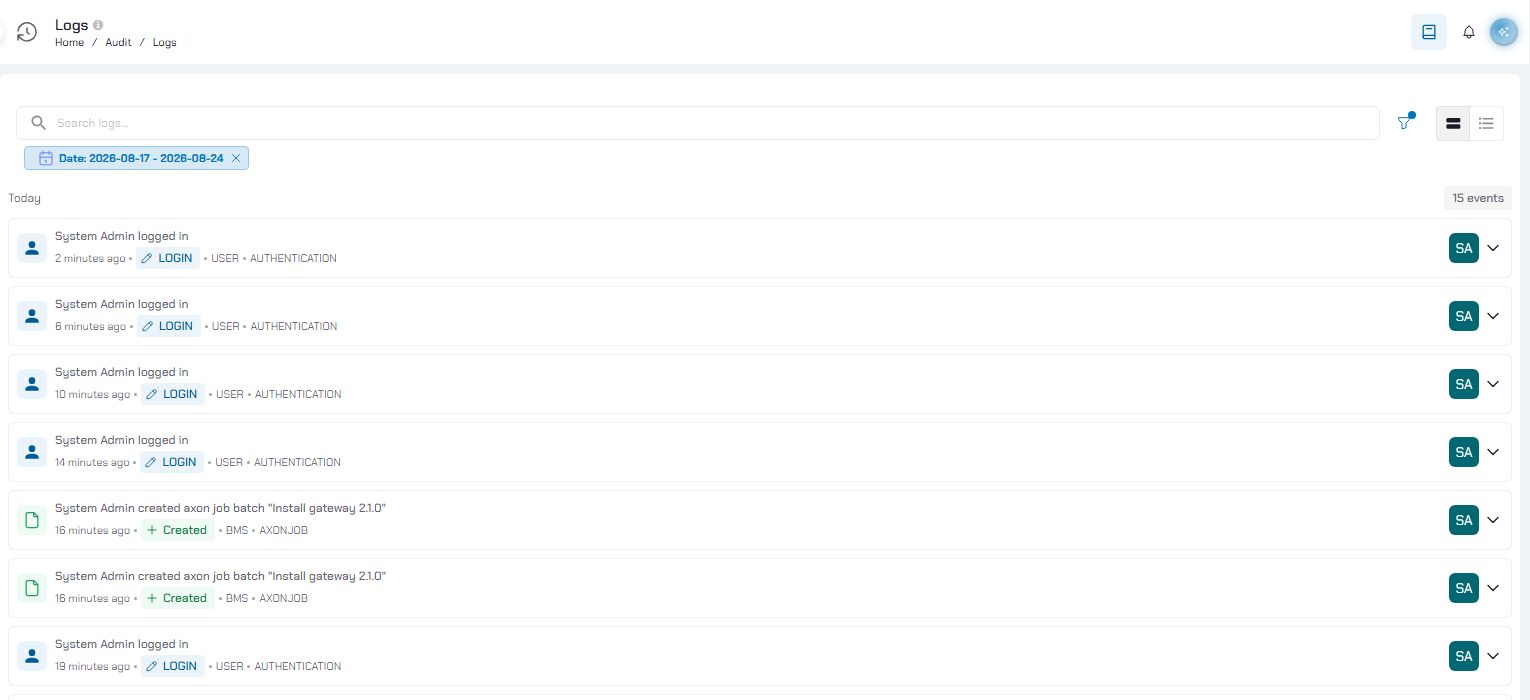
A record of who accessed each building and when. Revoke any contractor's access instantly.
Not locked in
Points are mapped to standard equipment models, so changing integrator doesn't mean starting over.
Your portfolio, one platform
Watch a portfolio run on one platform.
01 · Every site
Every site in the portfolio, live in one place.
Each building has an Axon that connects out to NovaQ. The whole portfolio sits on one screen, wherever the sites are.
02 · Every contractor
Thousands of contractor staff, all signing in the same way.
Every person signs in to NovaQ as themselves, with multi-factor authentication. No shared accounts and no VPN to set up per site.
03 · Only theirs
Each contractor sees only their sites.
Location scope limits every person to the sites they service. Access can be time-boxed, so it ends on its own.
04 · One action
When a contract ends, one action ends access.
Deactivate a person, or remove their group's access, once. Access ends at every one of their sites, and the audit log keeps the record.
Illustration with example data.
Who gets in, and where data goes
Microsegmentation by role
Each person reaches only the buildings and tools their job needs.
The Axon gives each site one controlled path to NovaQ. Inside that path, every person gets only what their role allows: which buildings they see, how they may connect, and for how long. Device and port limits are set on each Axon by the people who run the site.
Open data
Send the data wherever you already keep it.
NovaQ does not have to be where your data ends up. Send building data to the analytics platform you already run, over open protocols.
MQTT and REST out
Publish point data to your own platform over MQTT, or deliver it by REST.
Straight from the Axon
Data travels from the Axon to the endpoints you configure. NovaQ handles configuration and updates.
Encrypted in transit and at rest
Data is protected on the wire and where it is stored.
API tokens with user permissions
Let another system call NovaQ as one of your users. The token carries exactly that user's permissions.
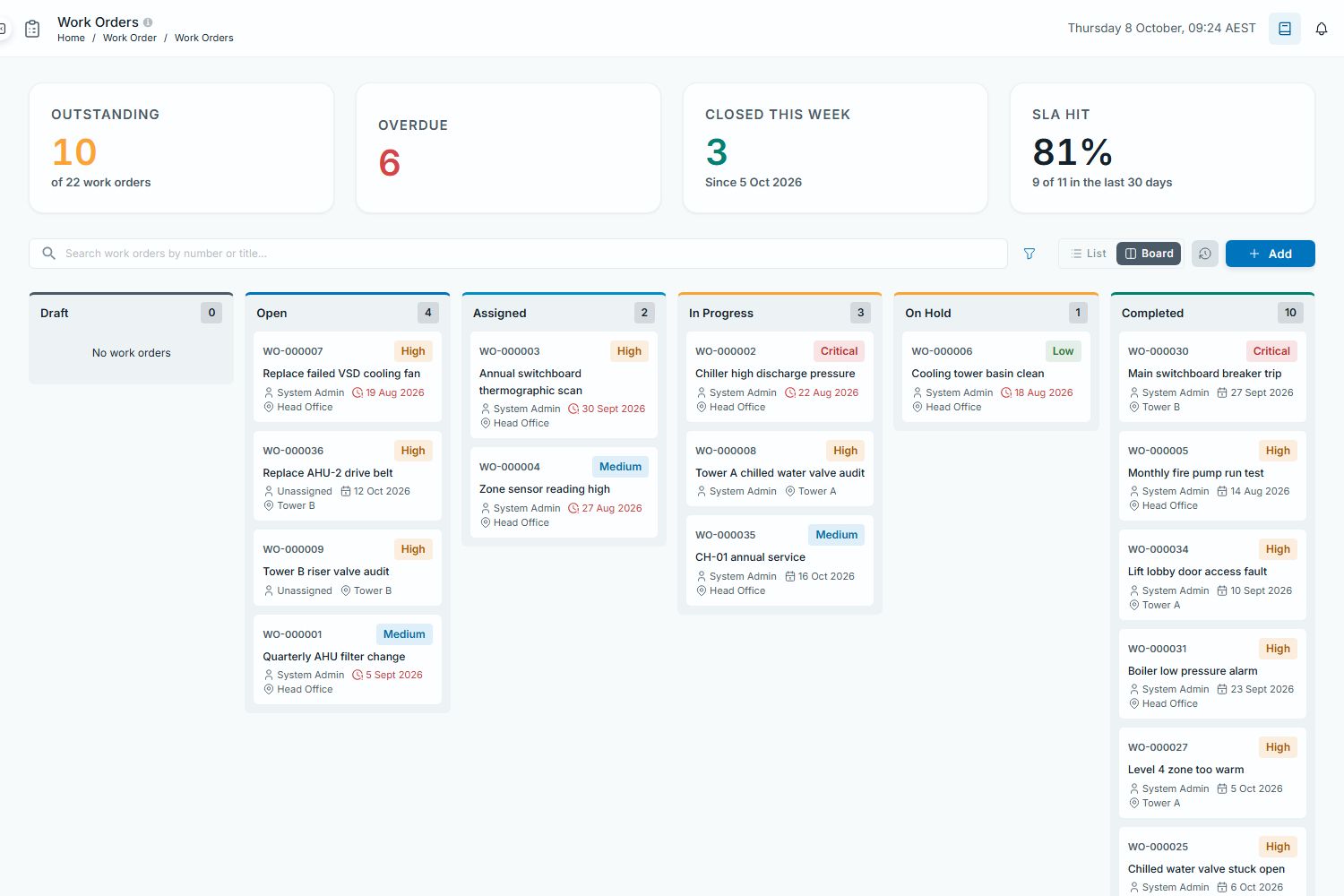
In the product
What you see when you sign in.
Next step
See your portfolio in one place.
A live walkthrough on a working Axon. Your first building comes next.